

Responsive Grid Systems That Actually Work
Master flexible layouts using CSS Grid and Flexbox. We’ll show you how to build grids that adapt from mobile to desktop without breaking a sweat.
Read ArticleMaster responsive layouts, UX principles, and wireframing techniques. Build a design portfolio that stands out in the Kuala Lumpur market.



We’re here to guide you through the essentials of web design. Whether you’re starting from scratch or refining your craft, there’s something for everyone.
Contact UsExplore guides on responsive grids, UX basics, wireframing, and portfolio building. Learn from real examples and practical techniques.
Browse All GuidesCore skills that’ll make you a stronger designer
Learn how CSS Grid and Flexbox work together. We’ll show you patterns that scale from mobile phones to massive desktop screens without breaking a sweat.
User experience isn’t complicated. It’s about understanding your audience and solving real problems. We’ll cover what actually makes designs work.
Wireframes are your blueprint. Master three proven techniques that speed up your design decisions and save you hours of rework.
Your work is only as good as how you present it. We’ll show you how to build a portfolio that gets noticed by clients and agencies in Kuala Lumpur and beyond.
Everyone starts with mobile. Learn why designing for smaller screens first leads to better responsive designs across all devices.
Every choice you make should have a reason. We’ll teach you how to think critically about layouts, typography, and user flows.
The design industry in Malaysia is growing fast. Clients want designers who understand not just aesthetics, but the fundamentals of how web design actually works.
Your designs must work on everything — from the latest iPhone to older Android devices. That’s not optional anymore, it’s baseline.
Anyone can make something look pretty. Designers who think about users, behavior, and problem-solving get better projects and better pay.
In Kuala Lumpur’s competitive market, a strong portfolio matters more than formal degrees. Show your process, your thinking, and your best work.
Tools change, trends change, but the core principles of good design stay the same. Master these and you’ll adapt to whatever comes next.

Four key steps to building design confidence
Start with responsive grid systems. You’ll learn how layouts actually work and why certain approaches fail on different devices.
Move beyond making things look good. Study how users interact with designs and how to solve real problems with your layouts.
Wireframes are where ideas become reality. You’ll learn three proven techniques that speed up your workflow and improve your designs.
Show your work to the world. We’ll guide you through presenting your projects in a way that impresses clients and agencies.
Deep dives into the techniques that matter most
Master flexible layouts using CSS Grid and Flexbox. We’ll show you how to build grids that adapt from mobile to desktop without breaking a sweat.
Read Article
User experience isn’t magic — it’s about understanding your audience and solving real problems. Here’s what matters most when you’re starting out.
Read Article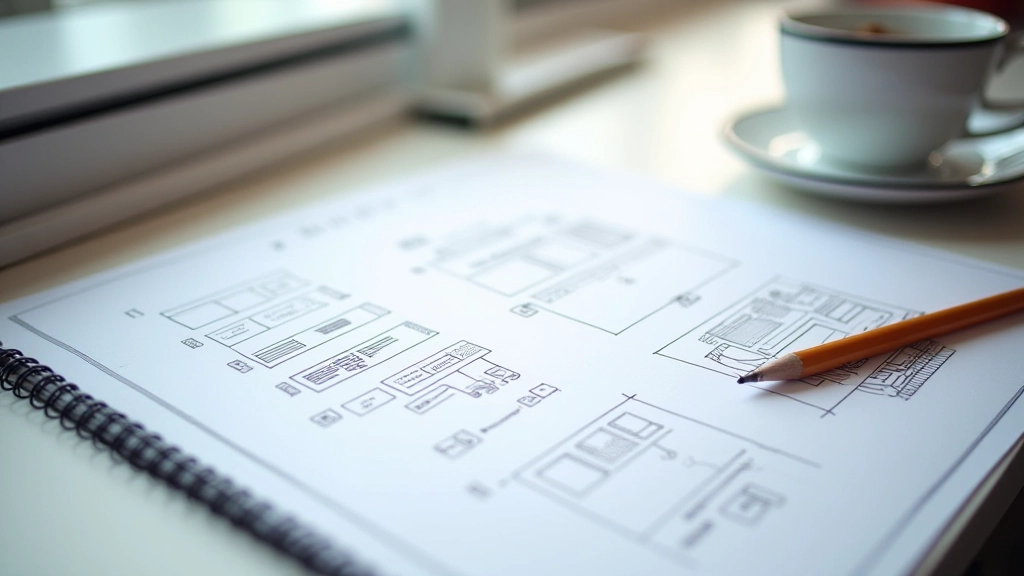
Wireframes aren’t just sketches — they’re your blueprint for solving layout problems before you touch design tools. Learn three techniques that speed up your workflow.
Read ArticleCommon questions from designers just like you
Not necessarily. Our guides focus on design principles and thinking, but understanding HTML and CSS basics definitely helps you make better decisions as a designer.
It depends on your pace. Most designers get comfortable with responsive design in 4-6 weeks of consistent practice. The real learning happens when you apply these principles to your own projects.
Yes. We focus on fundamentals that work everywhere, plus specific insights about building portfolios that resonate with Kuala Lumpur and Malaysian agencies.
Absolutely. Even experienced designers benefit from revisiting fundamentals. You might discover new approaches or refine your current process.
We cover principles that work with any tool — Figma, Adobe XD, Sketch, or even paper sketches. The tool matters less than understanding the fundamentals.
We’ve got a dedicated guide on this. The key is showing your process, not just the final product. Clients want to see how you think and solve problems.